Optimizing Digital Workspace: 5 Productivity Tool Integrations for 2025

Optimizing your digital workspace in 2025 is paramount for remote teams, with effective integration of productivity tools being essential for streamlined operations and enhanced collaboration.
The landscape of remote work is constantly evolving, demanding innovative approaches to maintain and enhance productivity. In this dynamic environment, optimizing your digital workspace is no longer just an advantage but a necessity. This article explores five crucial productivity tool integrations that will define seamless remote operation in 2025, ensuring your team remains connected, efficient, and highly effective.
The evolving remote work paradigm and digital tools
Remote work has transitioned from a niche concept to a global standard, fundamentally reshaping how businesses operate. This shift has amplified the importance of robust digital infrastructures and tools that can bridge geographical distances and foster a cohesive work environment. The reliance on technology is deeper than ever, with teams depending on digital solutions to manage projects, communicate, and collaborate effectively.
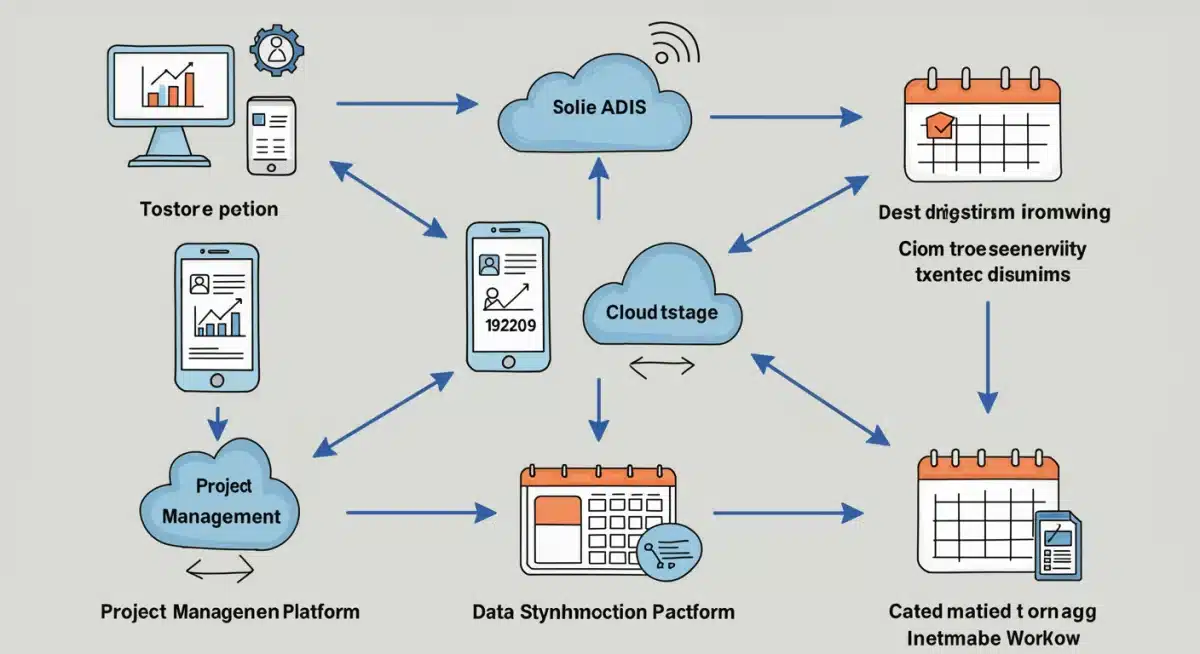
As we look towards 2025, the expectation isn’t just for tools to exist, but for them to work harmoniously together. Disconnected applications create friction, slow down workflows, and ultimately hinder productivity. The true power lies in seamless integration, allowing information to flow freely and automatically between different platforms, mimicking the natural interactions of an in-person office.
The need for integrated solutions
In a fragmented digital landscape, employees often juggle multiple applications for different tasks – one for communication, another for project management, a third for document sharing. This constant switching between tools, often referred to as ‘context switching,’ is a significant drain on cognitive resources and time. Integrated solutions aim to eliminate this friction.
- Reduces context switching and cognitive load.
- Automates repetitive tasks, freeing up human resources.
- Ensures data consistency across platforms.
- Enhances real-time collaboration and decision-making.
The future of remote work efficiency hinges on creating an ecosystem where tools communicate intelligently, providing a unified experience for the user. This means less time spent managing tools and more time focused on core tasks, ultimately contributing to a more productive and less stressful workday.
Project management and communication platform integration
At the heart of any successful remote operation are effective project management and communication. These two functions are intrinsically linked; clear communication is vital for project success, and well-managed projects require constant, transparent updates. Integrating these platforms ensures that team members are always on the same page, regardless of their physical location or time zone.
Imagine a scenario where a task update in your project management software automatically triggers a notification in your team’s communication channel, or a decision made in a chat application is instantly logged as a comment on a relevant task. This level of synchronization eliminates manual data entry, reduces the chances of miscommunication, and keeps everyone informed in real-time.
Key benefits of integrated systems
Integrating project management tools like Asana or Trello with communication platforms such as Slack or Microsoft Teams offers a multitude of advantages. It creates a single source of truth for project status and discussions, reducing the need for lengthy email chains or separate meetings to catch up on progress.
A well-integrated system provides a holistic view of projects, from initial ideation to final delivery. Team members can easily track progress, identify bottlenecks, and collaborate on solutions without ever leaving their primary communication hub. This fosters a more agile and responsive team dynamic, crucial for navigating the complexities of remote work.
Cloud storage and collaborative document editing integration
In a remote setting, documents are the lifeblood of many projects, and the ability to store, share, and collaboratively edit them is fundamental. Cloud storage solutions like Google Drive, Dropbox, or OneDrive, when integrated with collaborative document editing tools such as Google Docs, Microsoft Office Online, or Zoho Docs, create an incredibly powerful and efficient workflow.
This integration eliminates the cumbersome process of emailing document attachments, managing multiple versions, and dealing with version control issues. Instead, teams can work on the same document simultaneously, see real-time changes, and leave comments or suggestions directly within the file. This not only speeds up the review and approval process but also ensures that everyone is always working on the most current version.
Enhancing document workflows
The seamless flow between storage and editing tools means that documents are always accessible and secure. Permissions can be easily managed, ensuring that only authorized personnel can view or modify sensitive information. Furthermore, automatic saving and revision history features provide peace of mind, knowing that no work will be lost and previous versions can always be restored.
- Real-time co-editing eliminates version control issues.
- Centralized access to all project documents.
- Enhanced security and permission management.
- Automatic saving and comprehensive revision history.
For remote teams, this integration is particularly beneficial for tasks requiring heavy document collaboration, such as drafting reports, creating presentations, or developing marketing content. It transforms what could be a slow and frustrating process into a fluid and highly productive endeavor.
Calendar and scheduling automation integration
Managing schedules and coordinating meetings across different time zones is a perennial challenge for remote teams. Integrating calendar applications like Google Calendar or Outlook Calendar with scheduling automation tools such as Calendly or Doodle can significantly alleviate this burden, making appointment setting effortless and error-free.
This integration allows individuals to share their availability without revealing their entire calendar, letting others book meetings at mutually convenient times. Automated reminders, rescheduling options, and the ability to add video conferencing links directly into calendar invites streamline the entire meeting lifecycle, from initial booking to execution.
Streamlining meeting coordination
Beyond just booking meetings, these integrations can also connect with project management tools to automatically add meeting outcomes as tasks or link to relevant project documents. This creates a continuous workflow, ensuring that discussions translate directly into actionable items and are tracked within the project’s context.
The reduction in back-and-forth emails to find a suitable meeting time saves valuable hours each week for every team member. It also minimizes the risk of scheduling conflicts and no-shows, leading to more productive and efficient meetings. For teams spread across the globe, this level of automation is indispensable for maintaining consistent communication and collaboration rhythms.
CRM and marketing automation integration
For remote sales and marketing teams, the integration of Customer Relationship Management (CRM) systems like Salesforce or HubSpot with marketing automation platforms such as Mailchimp or Marketo is a game-changer. This synergy ensures that customer data is consistent across all touchpoints and that marketing efforts are highly personalized and effective.
When a lead interacts with a marketing campaign, that information is immediately updated in the CRM, providing sales representatives with real-time insights into customer behavior and preferences. Conversely, sales activities recorded in the CRM can trigger specific marketing automation sequences, ensuring a cohesive and personalized customer journey.
Unifying customer engagement
This integration eliminates data silos between sales and marketing departments, fostering a unified approach to customer engagement. It allows teams to track the entire customer lifecycle, from initial lead generation through to conversion and ongoing customer support, all from a centralized platform. This leads to more informed decision-making and a more efficient allocation of resources.
- Centralized customer data for sales and marketing.
- Personalized customer journeys and communication.
- Automated lead nurturing and follow-up.
- Improved analytics and campaign performance tracking.
For businesses relying on remote sales and marketing operations, this integrated approach is critical for maintaining competitive advantage and delivering exceptional customer experiences. It ensures that every interaction is timely, relevant, and contributes to building stronger customer relationships.
Security and identity management integration
As digital workspaces expand and teams become more distributed, the importance of robust security and identity management cannot be overstated. Integrating Single Sign-On (SSO) solutions like Okta or Azure AD with various productivity tools and cloud services is essential for protecting sensitive data and streamlining user access.
SSO allows users to access multiple applications with a single set of credentials, significantly improving the user experience while simultaneously enhancing security. It reduces password fatigue, minimizes the risk of weak or reused passwords, and simplifies the process of onboarding and offboarding employees.
Fortifying the remote perimeter
Beyond SSO, integrating Multi-Factor Authentication (MFA) across all critical applications adds an extra layer of security, making it much harder for unauthorized users to gain access, even if they manage to compromise a password. This is particularly vital in a remote work environment where employees may be accessing company resources from various networks and devices.
Furthermore, centralized identity management systems provide administrators with granular control over user permissions and access rights. This ensures that employees only have access to the resources they need for their roles, reducing the attack surface and complying with data governance regulations. For any organization with a remote workforce, these integrations are non-negotiable for maintaining a secure and compliant digital workspace.
| Key Integration | Benefit for Remote Operations |
|---|---|
| Project Management & Communication | Streamlines task updates and team discussions, reducing context switching. |
| Cloud Storage & Document Editing | Enables real-time co-editing and centralized access to all project documents. |
| Calendar & Scheduling Automation | Simplifies meeting coordination across time zones and automates reminders. |
| CRM & Marketing Automation | Unifies customer data and personalizes engagement for sales and marketing. |
Frequently asked questions about digital workspace optimization
Digital workspace optimization is crucial for remote teams because it enhances collaboration, streamlines workflows, and boosts overall productivity. By integrating tools, teams reduce context switching and ensure consistent access to information, leading to more efficient operations and better outcomes despite geographical dispersion.
Integrating project management and communication tools offers several benefits. It creates a single source of truth for project updates, reduces email clutter, and facilitates real-time discussions directly within the project context. This improves transparency, accelerates decision-making, and keeps all team members aligned on goals and progress.
Cloud storage integration dramatically improves collaborative document editing by enabling real-time co-authoring, eliminating version control issues, and providing centralized access to all files. Teams can work on the same document simultaneously, with automatic saving and revision history, ensuring everyone uses the latest version securely and efficiently.
Calendar and scheduling automation are vital for remote work as they simplify meeting coordination across diverse time zones. Tools like Calendly integrated with calendars automate appointment setting, send reminders, and include video conference links, drastically reducing the administrative burden and minimizing scheduling conflicts for all participants.
Security and identity management integration is essential for remote operations to protect sensitive data and streamline user access. Implementing Single Sign-On (SSO) and Multi-Factor Authentication (MFA) across tools enhances security, reduces password fatigue, and ensures compliance, creating a more secure and manageable digital environment for the distributed workforce.
Conclusion
The journey towards a truly efficient remote operation in 2025 is paved with thoughtful and strategic tool integrations. By focusing on the seamless flow of information between essential productivity platforms, organizations can unlock unprecedented levels of efficiency, collaboration, and security. The five integrations discussed—project management with communication, cloud storage with collaborative editing, calendar with scheduling automation, CRM with marketing automation, and comprehensive security with identity management—represent critical pillars for building a resilient and high-performing digital workspace. Embracing these integrated approaches will not only optimize your digital workspace but also empower your remote teams to thrive in an increasingly connected world.